Application Design.
Software built around how your business works: on the desktop, on the web and on the phone, and connected to everything you already run.
Designed and delivered by: AGU Consulting Group
What we design.
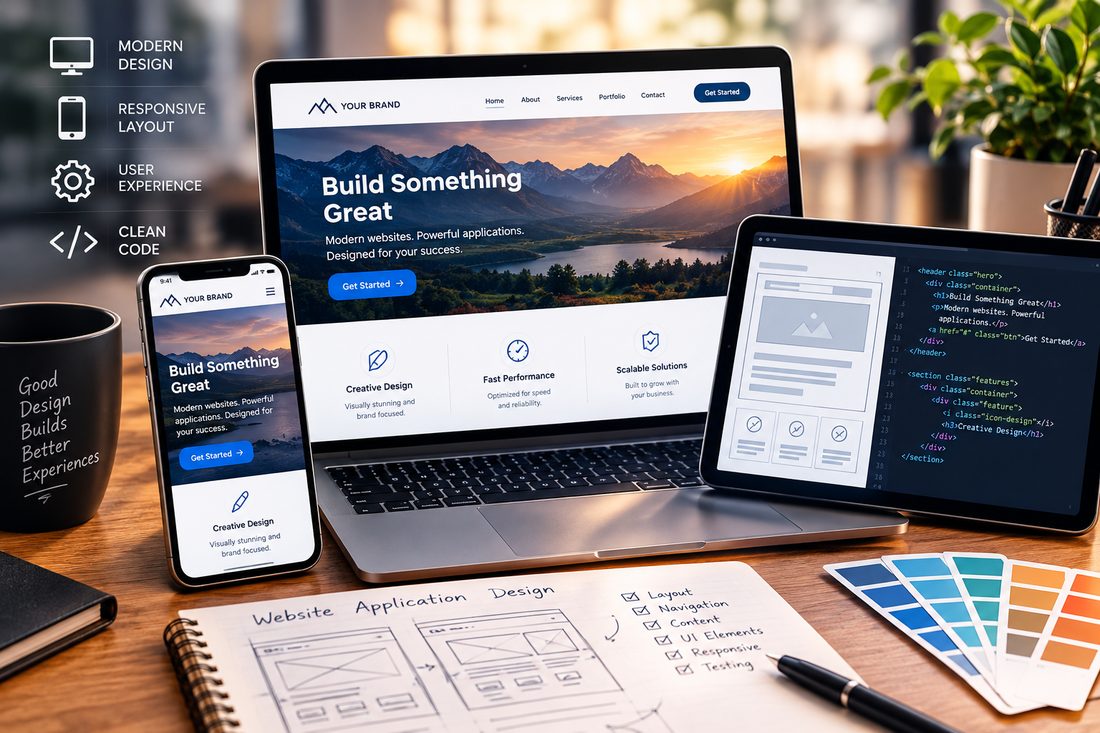
One team designs for the desktop, the web and the phone, so the software your people use at a desk, in a browser and in the field works the same way and shares the same data.

Desktop applications for Windows, macOS and Linux
- Native or cross-platform, chosen on the facts
- We weigh performance, budget and what your people actually use, then pick tools built for one system or a single codebase that covers all three.
- Works where you work
- Offline use, direct access to files, printers, scanners and other local hardware, and the small touches people expect, such as notifications and a tray icon.
- Easy to install and keep current
- Signed installers and automatic updates, so every computer runs the right version without a visit.
- Rescue for aging software
- We rebuild or modernize desktop programs written on outdated technology, and keep the workflows your people already know.
Web applications
- Business apps, portals and dashboards
- Browser-based tools your team, customers or partners can use from any device, with nothing to install.
- Sign-in and permissions
- Secure login, role-based access and a record of who did what, designed in from the start.
- Fast and responsive
- Screens that adapt from a phone to a wide monitor, built to stay quick as usage grows.
- Installable web apps
- Progressive web apps that sit on a phone’s home screen and feel like an app, without a trip through an app store.
- From PC software to the web
- We move desktop-only software into the browser, so the whole team can reach it from anywhere.
Mobile applications
- iPhone, iPad and Android
- Native apps when one platform needs the best fit, or one shared codebase to reach both and keep costs down.
- Built for the field
- Camera, location, barcode scanning, push notifications and an offline mode, so work continues when the signal does not.
- Connected devices
- Apps that talk to sensors, readers and other equipment over Bluetooth and your network.
- Store-ready
- App store submission, updates and the rules that come with them, handled for you.
Quality and care
- Application integration
- Every application we build connects to the systems you already run. See how below.
- Testing before launch
- Functional, integration, security and performance testing before anything goes live.
- Documentation and training
- Clear documentation and a walkthrough, so your team knows what it has and how to use it.
- Support after launch
- Updates and fixes afterward, so your software stays current instead of aging into your next legacy system.
Not sure which platform fits? Tell us how your people work and we will recommend one.
Application integration.
An application is only as useful as the systems it can talk to. We connect new and existing software so information moves on its own, and your people stop typing the same thing into three places.
Map first
We map your systems, the data that moves between them and what depends on what, before a single line of integration code is written.
Connect the right way
APIs and middleware where they exist. Where an older system has no API, we use file transfer or a shared database, so nothing gets left behind.
Secure every link
Single sign-on, limited access and encrypted connections keep the links between your systems as safe as the systems themselves.
Test and watch
We test the connections from end to end and set up monitoring, so a broken link is caught fast and the cutover disturbs your business as little as possible.
What we connect
- Business systems
- CRM, ERP, accounting, HR and the line-of-business applications your company runs on.
- Phones and contact center
- Link applications to your phone system and contact center, for click-to-call, caller lookup and call records.
- Buildings and connected devices
- Bring cameras, door access and sensors into the same applications and dashboards.
- Cloud and SaaS tools
- Connect the subscription software your team already pays for, so it stops being an island.
- Legacy systems
- Older systems that never had a modern interface, connected without ripping them out.
- Reporting and data
- One trustworthy source feeding the dashboards and reports your leaders use.
- Single sign-on
- One login across your applications, with access matched to each person’s role.
How we deliver it.
Every project follows the four steps we use for all of our work: consult, design, partner installation and delivery. Here is what that looks like for an application. See how we work
Discover and map
We listen to how people work, map the path from the first click to the finished task, and write down what the application has to do.
Design and prototype
You see and click through the screens before anything is built, so changes are quick and cheap.
Build and test
We build in short stretches you can review, testing as we go for function, connections, security and speed.
Launch and support
We deploy, train your team, document everything and stay available for updates and fixes.
Build or buy? We will tell you honestly.
Custom software is not always the answer. We start with a short look at what you need, and if a product that already exists does the job, we will say so and connect it to your other systems. When a custom application is the better fit, you get software designed around your work, documented, and built on standard tools so it can be maintained by us or by anyone else.
The rest of our services.
Every service has its own page.
Tell us what you need.
Tell us what the application needs to do, who will use it, and which systems it has to talk to. We will come back with a recommendation and a plan.
Talk to us about Application Design