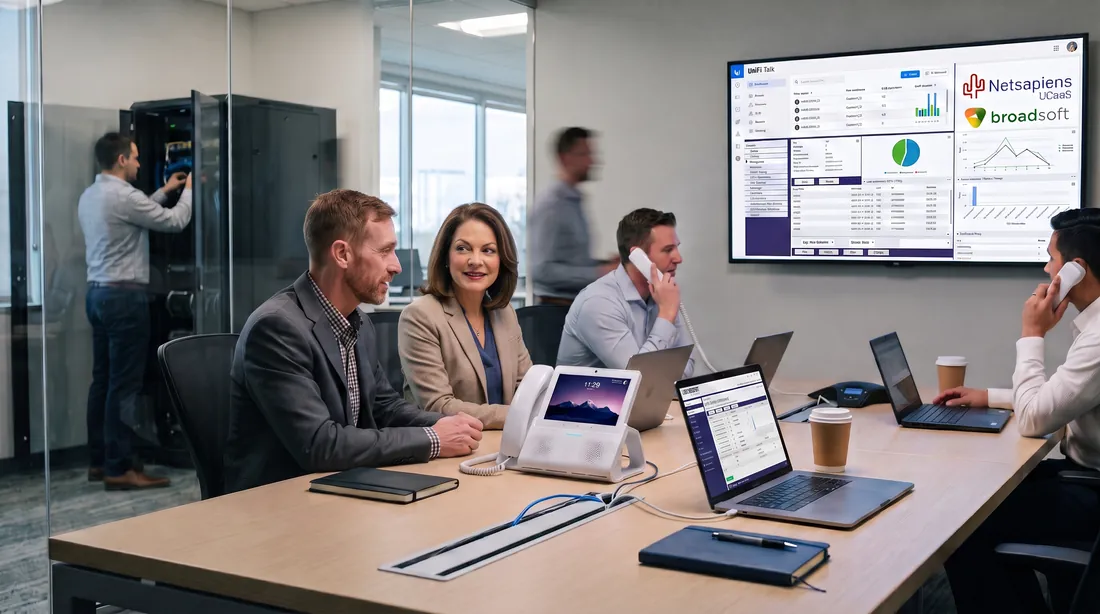
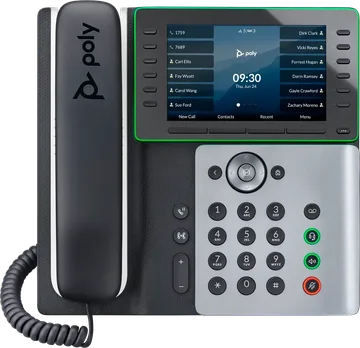
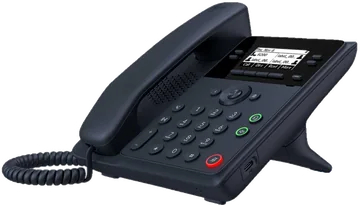
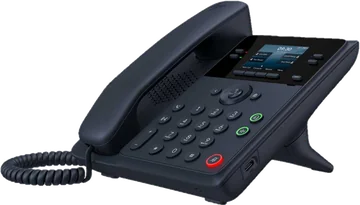
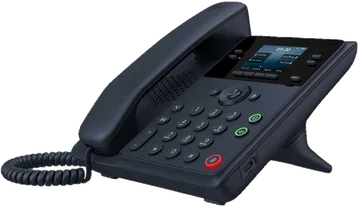
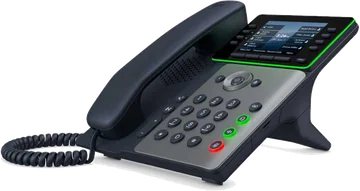
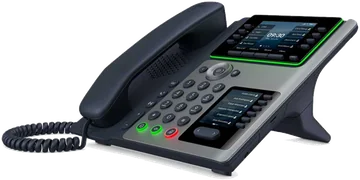
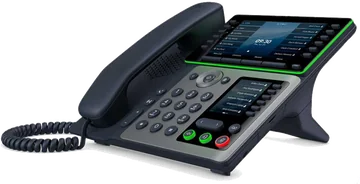
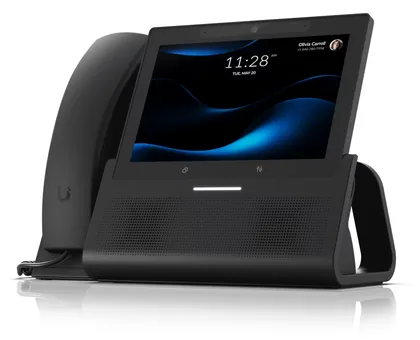
Run the phone system on your own premises with a custom Asterisk/FreePBX build from AGU, or with UniFi Talk, or put it in the cloud on a NetSapiens or BroadSoft platform from our partner Lingo. Asterisk, FreePBX and the cloud platforms use Yealink or Poly handsets, and UniFi Talk uses UniFi’s own phones.
Neither is better in general. The right one depends on your sites, your staff and how much you want to control. We will tell you which we would pick and why.
Onsite: Asterisk/FreePBX, or UniFi Talk
With a custom Asterisk/FreePBX system, we design a PBX that lives at your location, shaped around your call flows rather than a template, and our partners build and install it.
What AGU designs
Extensions, ring groups, queues and auto attendants matched to how you answer calls
Voicemail with email delivery, call recording, paging and conferencing
SIP trunk connections to your carrier, and SIP door intercoms or paging
Provisioning for Yealink and Poly handsets so new phones configure themselves
A good fit when
You want to own the system and the data
You have specific call routing or integration needs
You have one site, or a few, with good internal networking
Keep in mind
You own upkeep: updates, backups and hardware. We plan for that up front. The open-source core carries no per-seat license fee, and optional commercial modules are priced separately.
Or onsite with UniFi Talk
UniFi Talk runs on a UniFi console at your site. UniFi’s desk phones power over your network switch and are adopted and managed in the same UniFi system as your network, with no PBX or SIP setup.
A good fit when
You already run UniFi networking, or plan to
You have a small or mid-size team at one site or a few
You want phones to sit alongside UniFi cameras and door access
Keep in mind
UniFi Talk needs a UniFi console that supports it. Some UniFi phones need a Talk subscription and an internet connection, while unlocked models can make internal calls without one. We choose the models and numbers with you.
Cloud: NetSapiens or BroadSoft with Lingo
Lingo runs the platform and sets up the phones. AGU designs your setup and makes sure it works with the rest of your network.
What you get
Auto attendant, voicemail to email, mobile app and web phone
Unlimited US domestic calling on Lingo plans
One platform for many locations, remote staff and mobile users
Phones that provision themselves from the cloud
A good fit when
You have several sites or a mobile, hybrid team
You prefer a predictable monthly per-user cost
You want someone else to patch and operate the platform
Keep in mind
Call quality depends on your internet connection. We pair cloud voice with solid networking, and with SD-WAN failover where it matters.
Side by side of Voice Platforms.
Yealink and Poly handsets work with Asterisk/FreePBX and the cloud platforms, and UniFi Talk uses UniFi’s own phones. Everything else is a trade-off.
Topic
Asterisk/FreePBX
UniFi Talk
BroadSoft / NetSapiens
Where it runs
At your site, on a server or appliance we select
At your site, on a UniFi console
On Lingo’s cloud platform
Who designs it
AGU designs it around your call flows; a partner builds it
AGU designs it in the same UniFi system as your network, with no PBX or SIP setup; a partner installs it
AGU designs; Lingo configures and operates the platform
Upfront cost
Server or appliance, plus the build
UniFi console and phones; no PBX to build
Phones and setup; no PBX hardware
Ongoing cost
Upkeep, optional commercial modules, and your SIP trunk carrier
Some phones need a Talk subscription
Monthly per-user service from Lingo
Customization
Highest: custom dial plans and integrations
Standard UniFi Talk features, sitting alongside UniFi cameras and door access
Rich standard feature set within the platform
If the internet drops
Calls between your phones keep working; outside calls need a backup trunk
Unlocked models can make internal calls without internet; some phones need a subscription and an internet connection
Needs internet; SD-WAN or wireless failover keeps you connected
Updates and patching
Planned with you
Managed with your UniFi console
Handled by the platform operator
Best fit
One or a few sites, specific integrations, ownership
A small or mid-size team at one site or a few, already on UniFi networking
Many sites, remote and mobile staff, predictable cost
1st, Pick Your Voice Platform
Four platforms, and a partner who runs two of them at scale. Select one to see which phones work with it.
Onsite optionsRuns at your site
Select this platform
Asterisk/FreePBX
Open-source telephony engine with a web interface, built by AGU for your site.
FreePBX 17 runs on Debian 12 and uses Asterisk 22 by default.
Asterisk 22 is a long-term-support release: full support to October 2028 and security fixes to October 2029.
FreePBX 17 is supported through June 2028.
Asterisk 24, the next long-term-support release, is scheduled for October 15, 2026.
Yealink, Poly Edge E, Poly Edge V and UniFi Talk. Open any card for photos, features and the spec sheet.
Compatibility. Yealink and Poly phones are widely used across Asterisk/FreePBX, NetSapiens and BroadWorks. UniFi Talk phones work with the UniFi Talk platform only. For the cloud options, the platform decides which exact models it supports, so we check every model against the supported-device list before you buy.
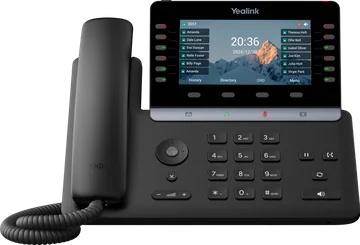
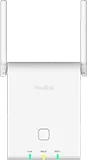
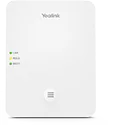
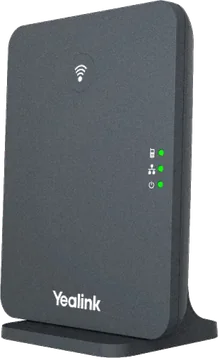
Yealink makes the broadest SIP desk phone range in the business, from single-line lobby phones to touchscreen executive and video models, plus DECT cordless and conference phones. We carry the full IP phone line.
Yealink VoIP phones
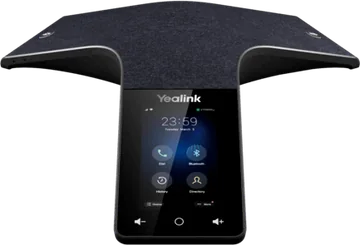
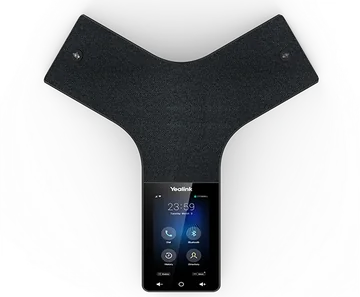
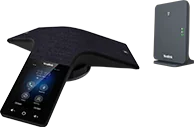
SIP desk phones from entry-level to executive, touch-sensitive conference phones for meeting rooms, and Wi-Fi and 4G models for sites without cabling.
SIP-T85W
Prime business phone for busy executives
5.5-inch screen, 960 x 480
Wi-Fi 6 and Bluetooth 5.0 built in
Emergency button
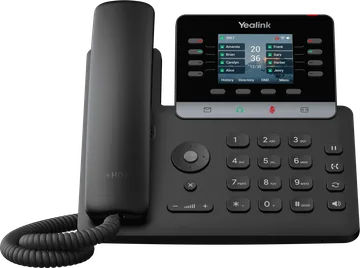
SIP-T73W
All-in-one business phone
2.8-inch color, 320 x 240
8 line keys, up to 12 accounts
Wi-Fi 6 and Bluetooth 5.0 built in
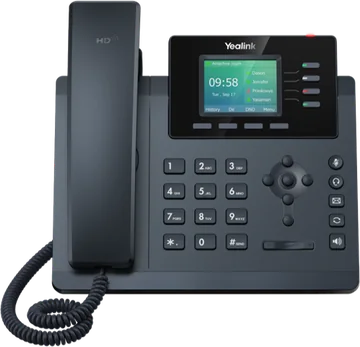
SIP-T34W
Cost-effective Wi-Fi IP phone
Wi-Fi model
CP925
HD IP conference phone
Touch-sensitive
Small to medium rooms
CP935W
Wireless conference phone
Touch-sensitive, Wi-Fi
Yealink DECT phones
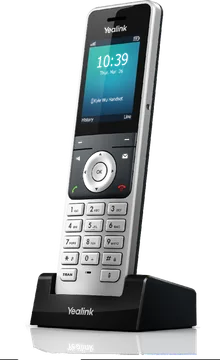
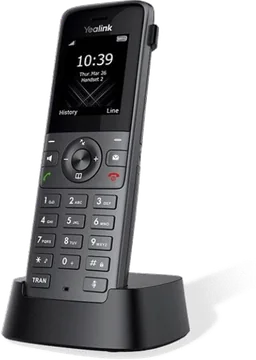
Cordless handsets and IP base stations, from basic to ruggedized, plus multi-cell systems for larger sites.
Poly’s Edge E series (now sold by HP) pairs Poly’s signature audio with NoiseBlockAI and Acoustic Fence noise reduction. It runs from entry-level color phones to 12-line executive phones.
Poly Edge E phones
Desk phones from the entry-level E220 to the 12-line E550, with Bluetooth and Wi-Fi models and an add-on expansion module.
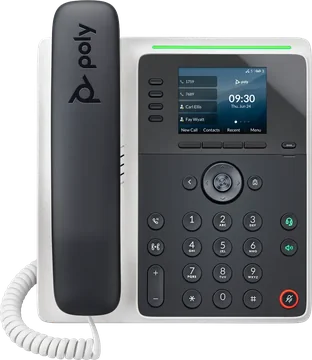
Poly Edge E220
4-line entry-level IP desk phone
2.8-inch color display
4 line keys, up to 16 lines and features
Bluetooth
HP part 82M87AA
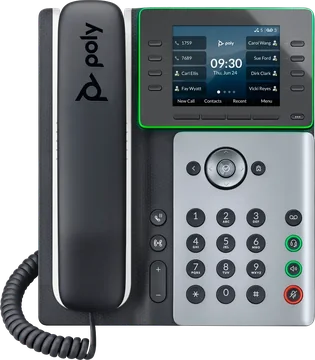
Poly Edge E300
Base 8-line IP desk phone
3.5-inch color display
8 line keys, up to 32 lines and features
Poly Edge E320
E300 with Bluetooth
3.5-inch color display
8 line keys, up to 32 lines and features
Bluetooth
HP part 82M88AA
Poly Edge E350
E300 with Bluetooth and Wi-Fi
3.5-inch color display
8 line keys, up to 32 lines and features
Bluetooth and Wi-Fi
HP part 82M89AA
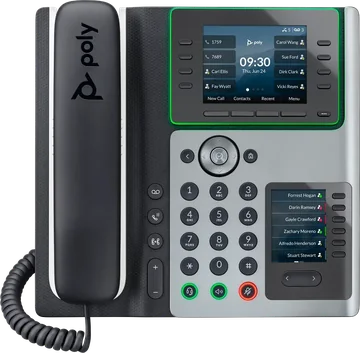
Poly Edge E400
Dual-display IP desk phone
3.5-inch color display plus 6-line contacts display
14 line keys
Expansion module support
Poly Edge E450
E400 with Bluetooth and Wi-Fi
3.5-inch color display plus 6-line contacts display
8 line keys, up to 32 lines and features
Bluetooth and Wi-Fi
HP part 82M90AA
Poly Edge E500
12-line IP desk phone
5-inch color display, 800 x 480
12 line keys, up to 48 assignments
Up to 2 expansion modules
HP part 82M94AA
Poly Edge E550
E500 with Bluetooth 5.0 and Wi-Fi
5-inch color display, 800 x 480
12 line keys, up to 48 assignments
Bluetooth 5.0, 802.11ac Wi-Fi, NFC
HP part 82M91AA
Poly Edge E Expansion Module
Attendant console add-on
Adds line keys to E400 and E500 series
HP part 85W93AA
The newest Poly line: open SIP desk phones with a built-in Trusted Security Module, NoiseBlockAI audio and a discreet one-touch emergency alert.
New in 2026. HP announced the Edge V series in April 2026, with availability from September 2026 through select partners, starting at $159. We confirm stock and platform support before we quote any Edge V phone.
Poly Edge V phones
Open SIP desk phones from essential models for common areas to premium models for executives, plus an add-on expansion module.
HP Poly Edge V200
Best for common areas
2.5-inch mono screen
4 line keys
1 USB-C port
Red light bar
HP Poly Edge V250
Best for front-line workers
2.4-inch color screen
4 line keys
1 USB-C port
Wi-Fi 6 and Bluetooth 5.4
HP Poly Edge V250 Plus
Best for front-line workers
2.8-inch color screen
4 line keys
RGB color light bar
Wi-Fi 6 and Bluetooth 5.4
HP Poly Edge V400
Best for knowledge workers
3.5-inch color screen
8 line keys, up to 32 lines
2 USB-C ports
1 expansion module
HP Poly Edge V450
V400 with wireless
3.5-inch color screen
8 line keys, up to 32 lines
2 USB-C ports, 1 expansion module
Wi-Fi 6 and Bluetooth 5.4
HP Poly Edge V650
Best for office collaborators
3.5-inch main plus 2.4-inch second screen
8 plus 6 line keys
2 USB-C ports, 1 expansion module
Wi-Fi 6 and Bluetooth 5.4
HP Poly Edge V800
Best for executives and reception
5-inch main plus 2.4-inch second screen
12 plus 6 line keys
2 USB-C ports
Up to 2 expansion modules
HP Poly Edge V850
V800 with wireless
5-inch main plus 2.4-inch second screen
12 plus 6 line keys
2 USB-C ports, up to 2 expansion modules
Wi-Fi 6 and Bluetooth 5.4
HP Poly Edge V Expansion Module
Attendant console add-on
5-inch LCD
22 or 66 line keys
Up to 2 on V800 and V850; 1 on V400, V450 and V650
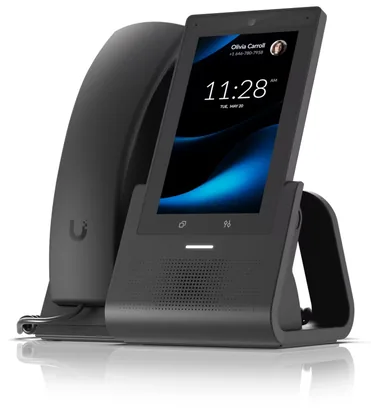
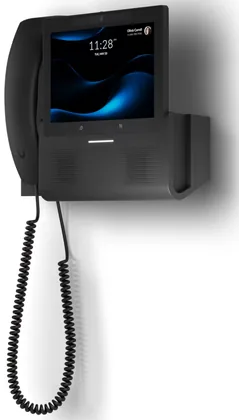
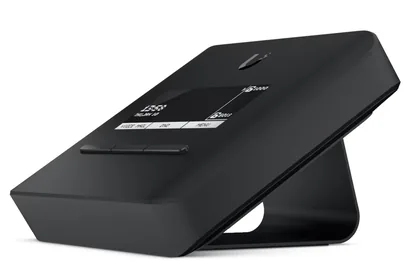
UniFi Talk is the phone system built into UniFi. These touchscreen desk and wall phones, the cordless handset and the analog adapter are made for it.
For UniFi Talk only. These phones and the adapter are for use with the UniFi Talk platform. They are not offered for Asterisk, FreePBX, NetSapiens, BroadWorks or other phone platforms.
UniFi Talk phones
Touchscreen desk and wall phones with a camera, the cordless G3 handset and the analog telephone adapter, all made for the UniFi Talk platform.
G3 Touch Enterprise
UniFi Talk only
Premium 7-inch desktop phone
7-inch touchscreen, 1280 x 800
5 MP camera with privacy shutter
NFC reader for UniFi Access credentials
PoE+ or USB-C power
G3 Touch Pro
UniFi Talk only
Compact 5-inch desktop phone
5-inch touchscreen, 720 x 1280
5 MP camera with privacy shutter
Pairs with the G3 Wireless Handset
PoE powered
G3 Touch Wall
UniFi Talk only
Wall-mount 7-inch phone
7-inch touchscreen, 1280 x 800
NFC reader for UniFi Access credentials
5 MP camera with privacy shutter
PoE or USB-C power
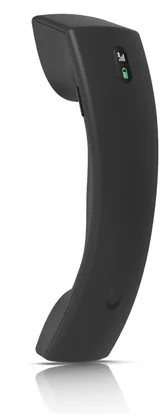
G3 Wireless Handset
UniFi Talk only
Cordless handset for G3 Touch phones
Bluetooth 5.2 LE Audio
1000 mAh Li-ion battery
Answer, mute and volume buttons
Works with the G3 Touch Pro, Enterprise and Wall
Analog Telephone Adapter
UniFi Talk only
Adapter for analog phones and fax machines
2 RJ11 phone ports
Fax pass-through using G.711
PoE or USB-C power
Wi-Fi with UniFi WiFi Auto-Link
Where a card shows a drawing, it is an AGU illustration of the model’s screen size and key layout. It is not a product photo and is not to scale.
Document library.
Official guides, datasheets and downloads, straight from the manufacturers.
Healthcare and payment-heavy businesses still send and receive fax every day. We offer two ways to do it, onsite and in the cloud, so the design can match the safeguards each customer needs.
Onsite T.38 fax
T.38 is the standard for sending fax over IP networks in real time. Run onsite, it lets faxes move through your own phone system and SIP trunks without handing documents to an outside fax service.
What it gives you
Documents stay on equipment you control
Fax traffic routed over private, controlled links
Access, logging and retention designed to your policies
Keep in mind
T.38 is not a security control on its own, because it can run over unencrypted links. That is why we decide where the fax traffic travels first, and encrypt it wherever it could cross a public network.
Cloud e-fax
Faxes arrive as protected messages in the right inbox, and outgoing faxes are sent from a screen. There is no machine to guard and no paper left on a tray.
What it gives you
Access controls, so only the right people see a fax
Activity logs of who sent and viewed what
A signed Business Associate Agreement for healthcare customers
Keep in mind
A cloud fax service that handles patient information is a business associate under HIPAA. We confirm that the service will sign a Business Associate Agreement before we recommend it.
What HIPAA expects
Faxing patient information is permitted when it is protected by administrative, physical and technical safeguards.
A cloud fax provider that handles that information needs a signed Business Associate Agreement.
Encryption is an addressable safeguard under the Security Rule, so in practice digital fax should be encrypted.
Access controls and audit logs support the Security Rule’s technical safeguards.
What PCI expects
A fax sent over the Internet crosses a public network and must be encrypted.
Fax servers and workstations that card data passes through must be secured.
Card data stored electronically from a fax must be rendered unreadable.
Card verification codes cannot be kept after authorization, so they must be removed from stored faxes.
Compliance is a shared job.
No fax system is compliant by itself. HIPAA and PCI apply to how a service is used, so the technology is only part of the answer. We design the technical side to support the rules, and your own policies, staff training and agreements complete it. For a final determination, speak with your compliance officer or auditor.